Access and Edit an Existing LASER Project Proposal
1. Open an existing proposal: After signing in to DMPonline, you’ll see a list of the project proposals you’ve created.
To open a proposal, either:
- Click the project proposal title, or
- Select Actions → Edit.
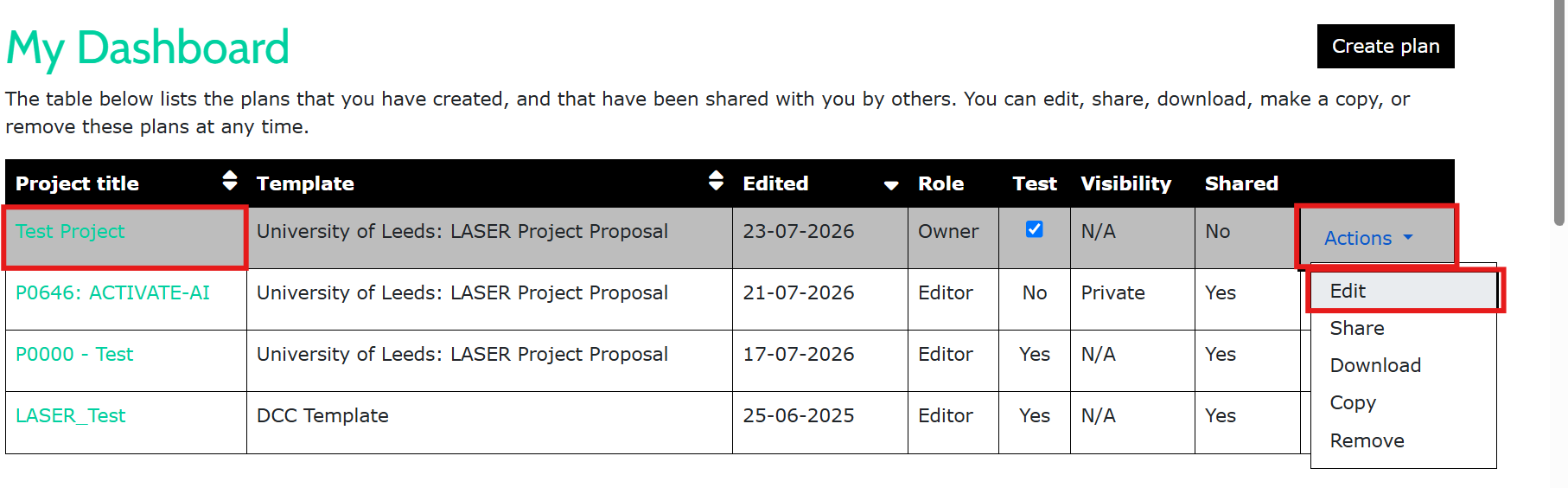
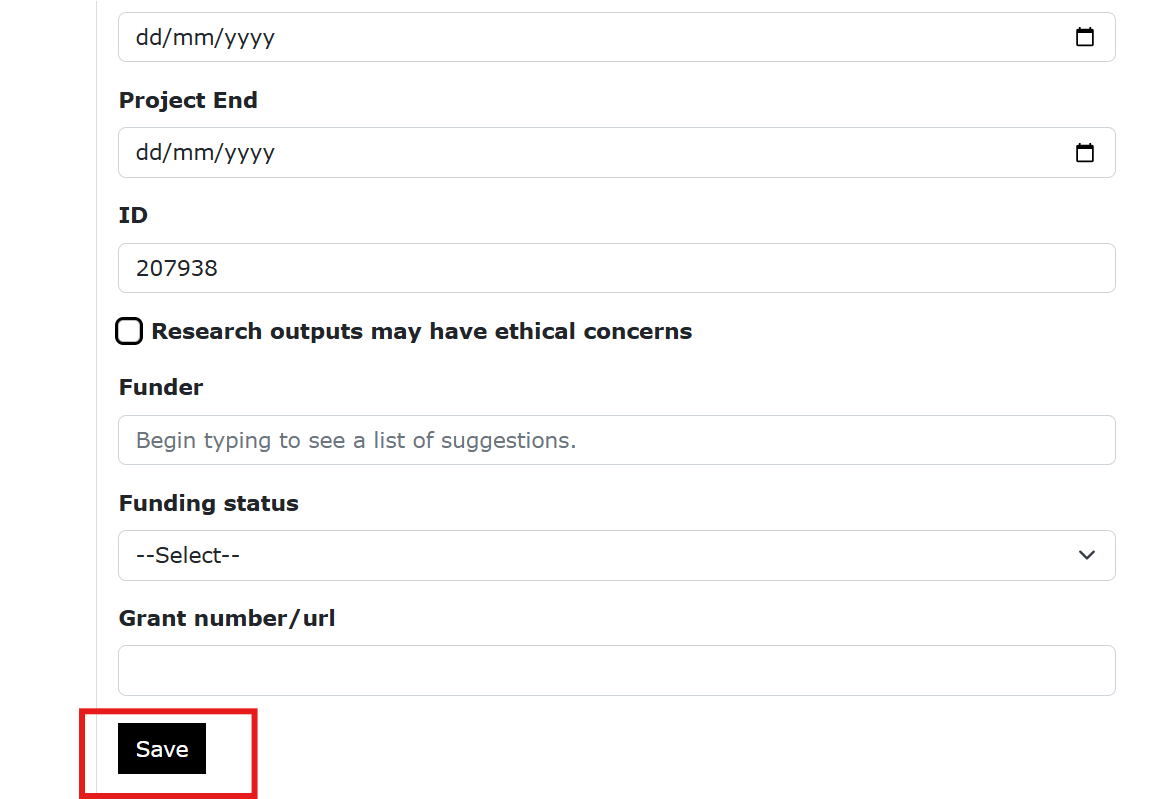
2. Update your proposal: Make any required changes to your proposal. When you’ve finished, click Save.
3. Notify the team: After saving your updates, email dat@leeds.ac.uk to let us know your proposal has been updated. We will then review the changes.